🔔If you’re not sure where to find the Record Audio option, you can check the 📑How to Create a New Summary tutorial first.
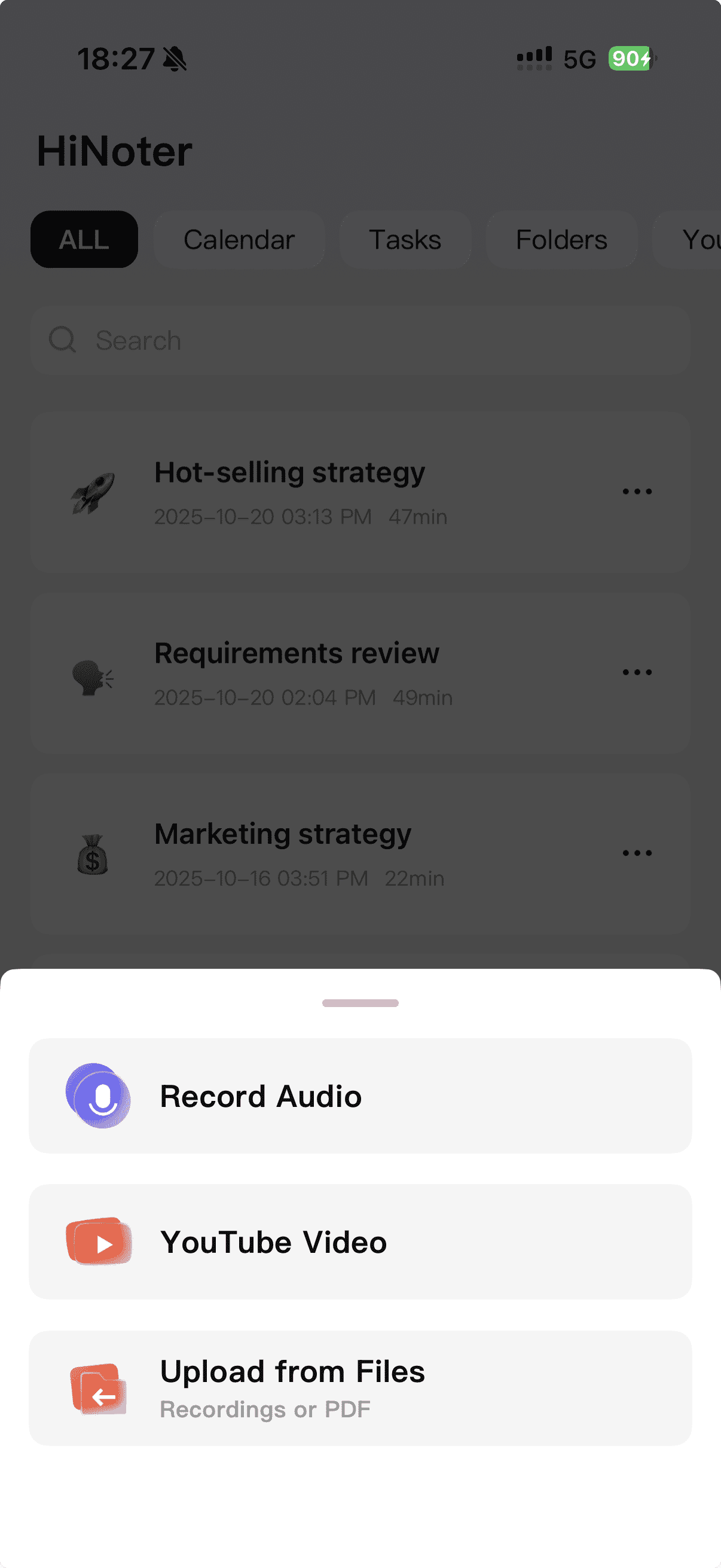
Step1: Tap Record Audio
From the Home page, tap + and choose Record Audio.
Step2: Recording Starts Automatically
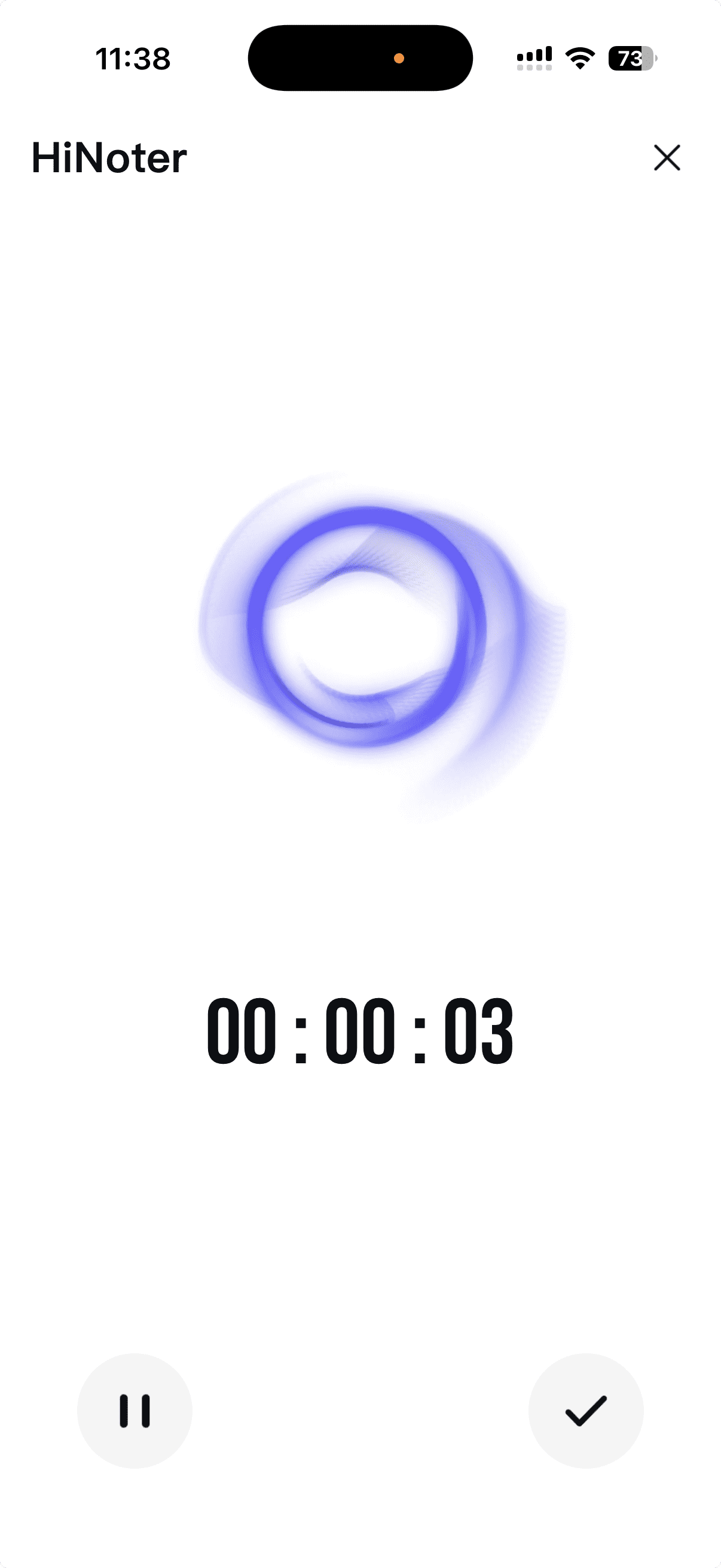
As soon as you enter the recording screen, HiNoter will start recording right away — no extra taps needed.
Step3: Finish and Confirm
When you’re done, tap the checkmark. Your recording will automatically move into transcription and summarization.
Your processed summary will appear on your Home page once it’s ready.