🤓Found a great podcast, lecture, workshop, or video on YouTube? Just paste the link into HiNoter — we’ll take care of the rest.
🔔If you’re not sure where to find the YouTube option, you can check the 📑How to Create a New Summary tutorial first.
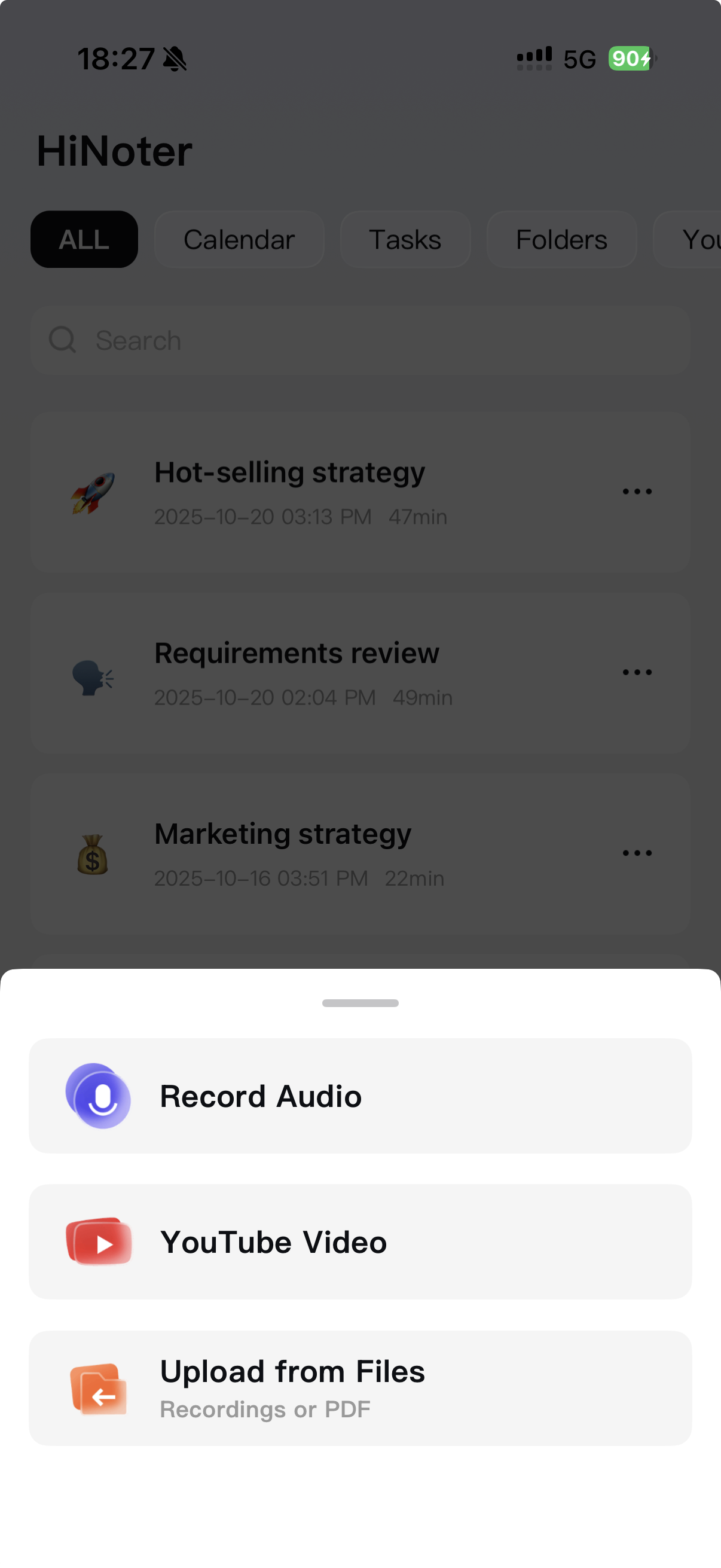
Step1: Tap YouTube Video
From the Home page, tap + and choose YouTube Video.
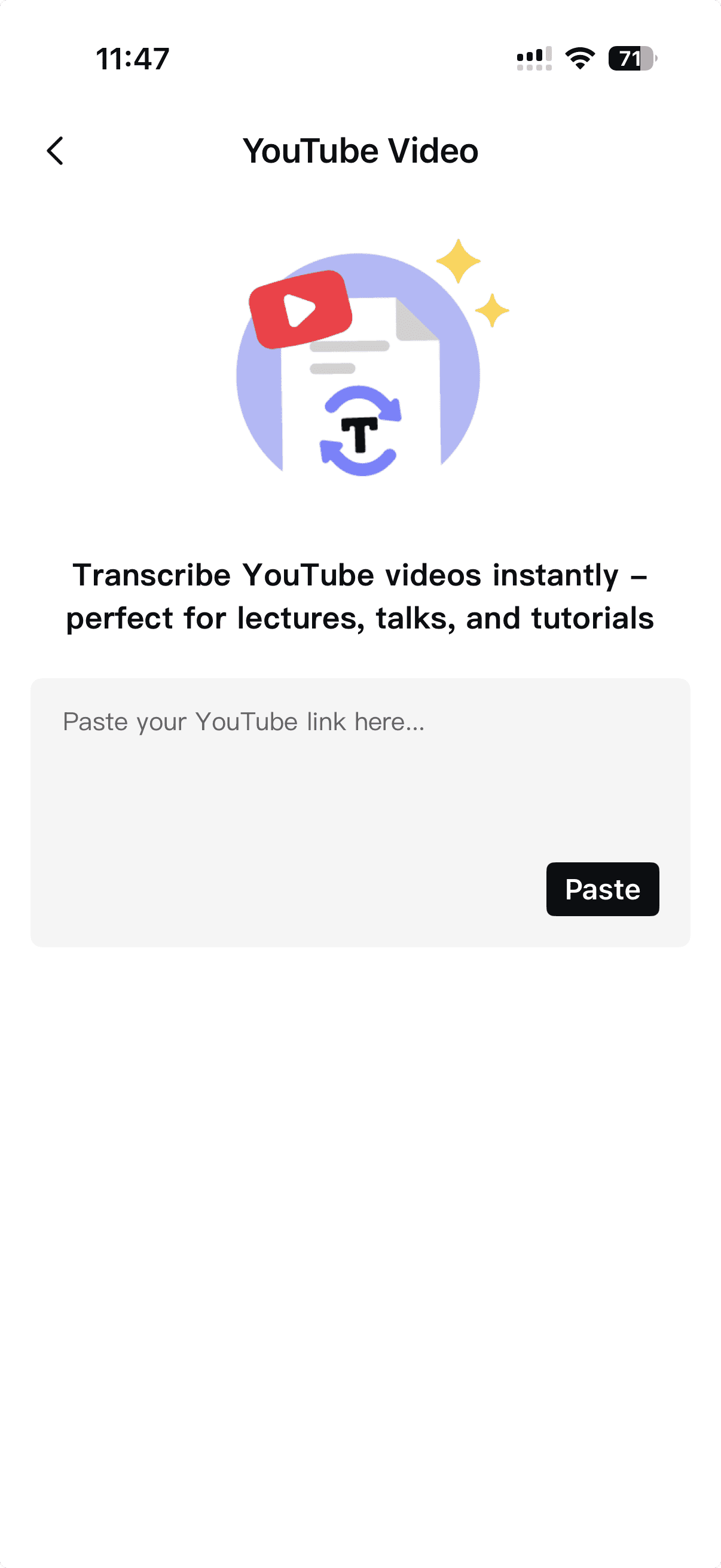
Step2: Paste the Link
You’ll be taken to the YouTube import screen. Paste the video link into the input box, and HiNoter will begin fetching the video details.
Step3: Confirm and Start
Make sure the information looks correct (it should match the video you want). Then tap Transcribe & Summarize. HiNoter will handle the transcription and generate a clean summary for you.
Your finished summary will appear on your Home page when ready.