Getting started with HiNoter is easy. Follow these steps to turn your recordings, files, or YouTube links into clear, structured summaries:
Step1: Start on the Home Page
When you open the app, you’ll land on the Home page. This is where all your summaries live. 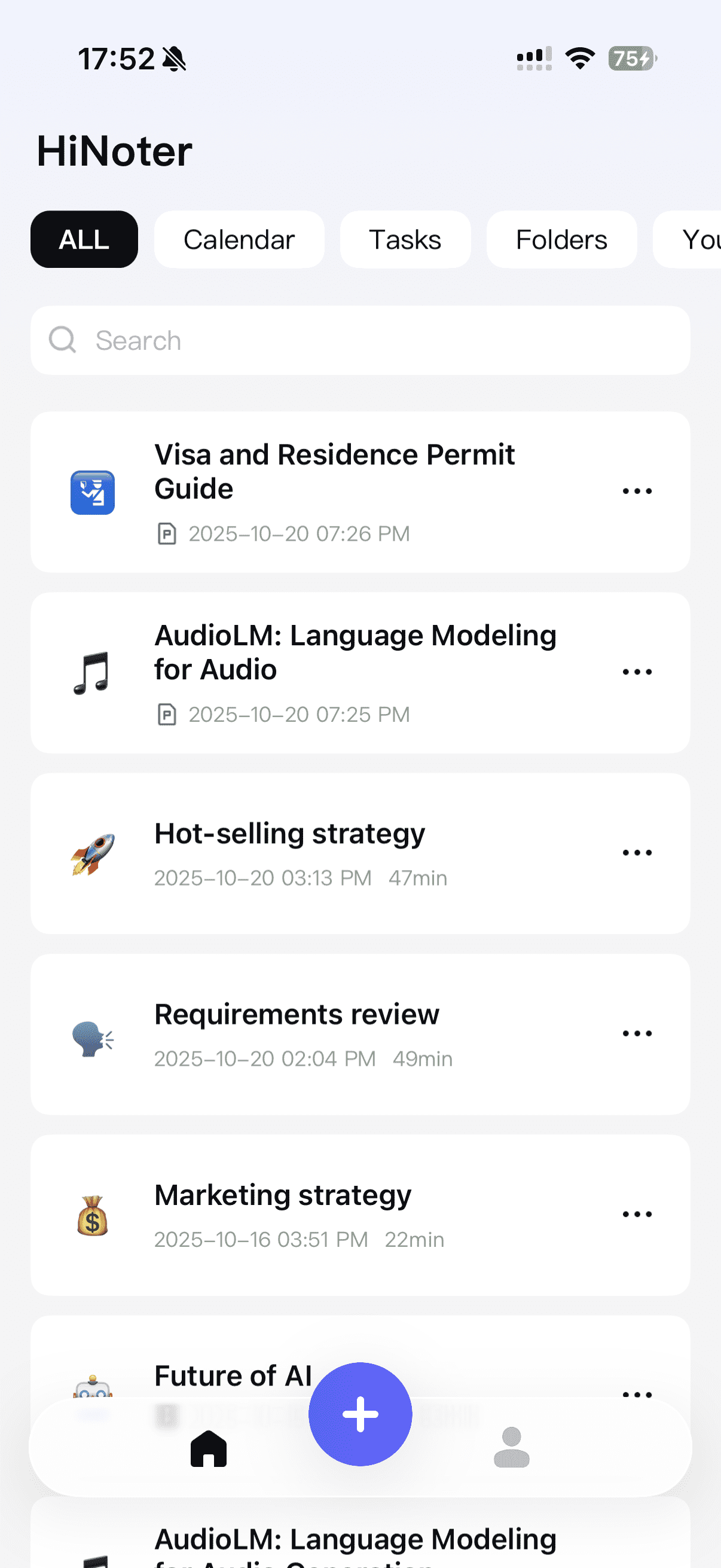
Step2: Tap the + Button
At the bottom of the screen, tap the + button to start creating a new summary.
Step3: Tap the + Button
Pick the type of input you’d like to use:
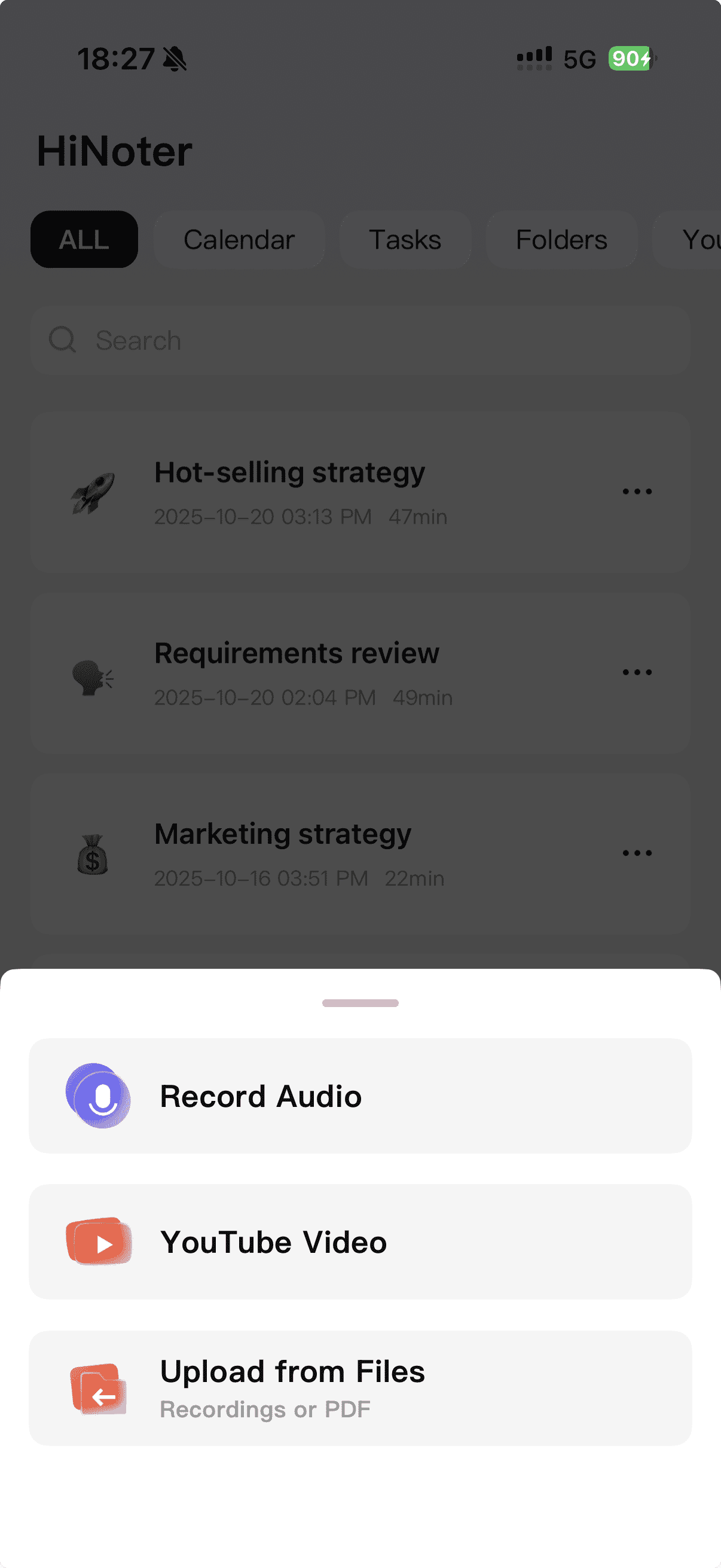
Step4: Let HiNoter Do the Rest
HiNoter will transcribe and summarize the content automatically. Your new summary will appear right on your Home page when it’s ready. 😉