Found a useful meeting recording, lecture, workshop audio, or a document on your device? Just upload the file to HiNoter — we’ll handle the transcription and summarization for you.
🔔If you’re not sure where to find the File Upload option, you can check the 📑How to Create a New Summary guide first.
Step1: Tap Upload from Files
From the Home page, tap + and choose Upload from Files.
This option lets you import audio and supported document formats from your device.
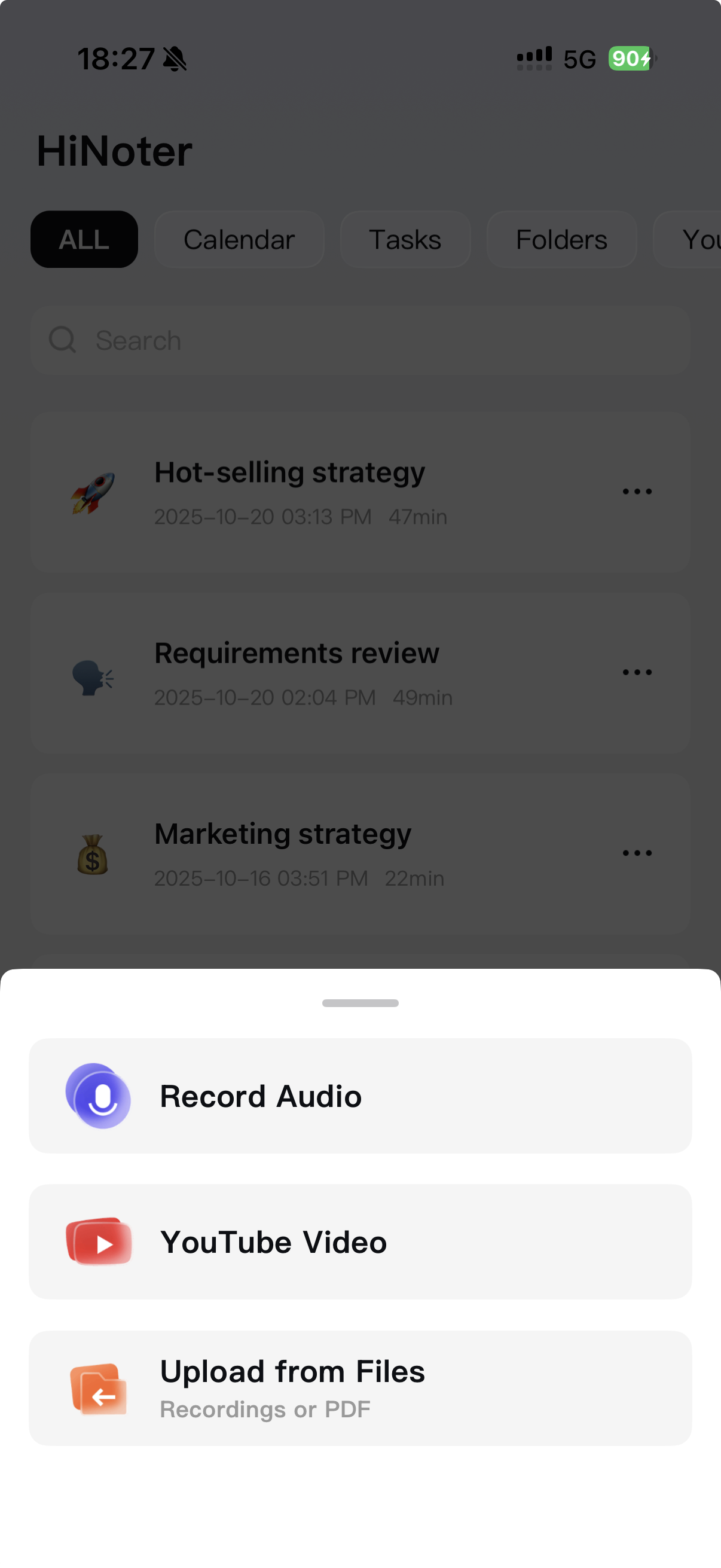
Step2: Choose Your File
You’ll be taken to your system’s file picker. Select the audio or document file you want HiNoter to process.
- Audio: MP3, M4A, WAV, FLAC, OGG, AAC
- Documents: PDF
After selecting the file, HiNoter will automatically begin uploading.
HiNoter will process the file in the background and generate a clean transcript and summary.
Your finished result will appear on your Home page when ready.