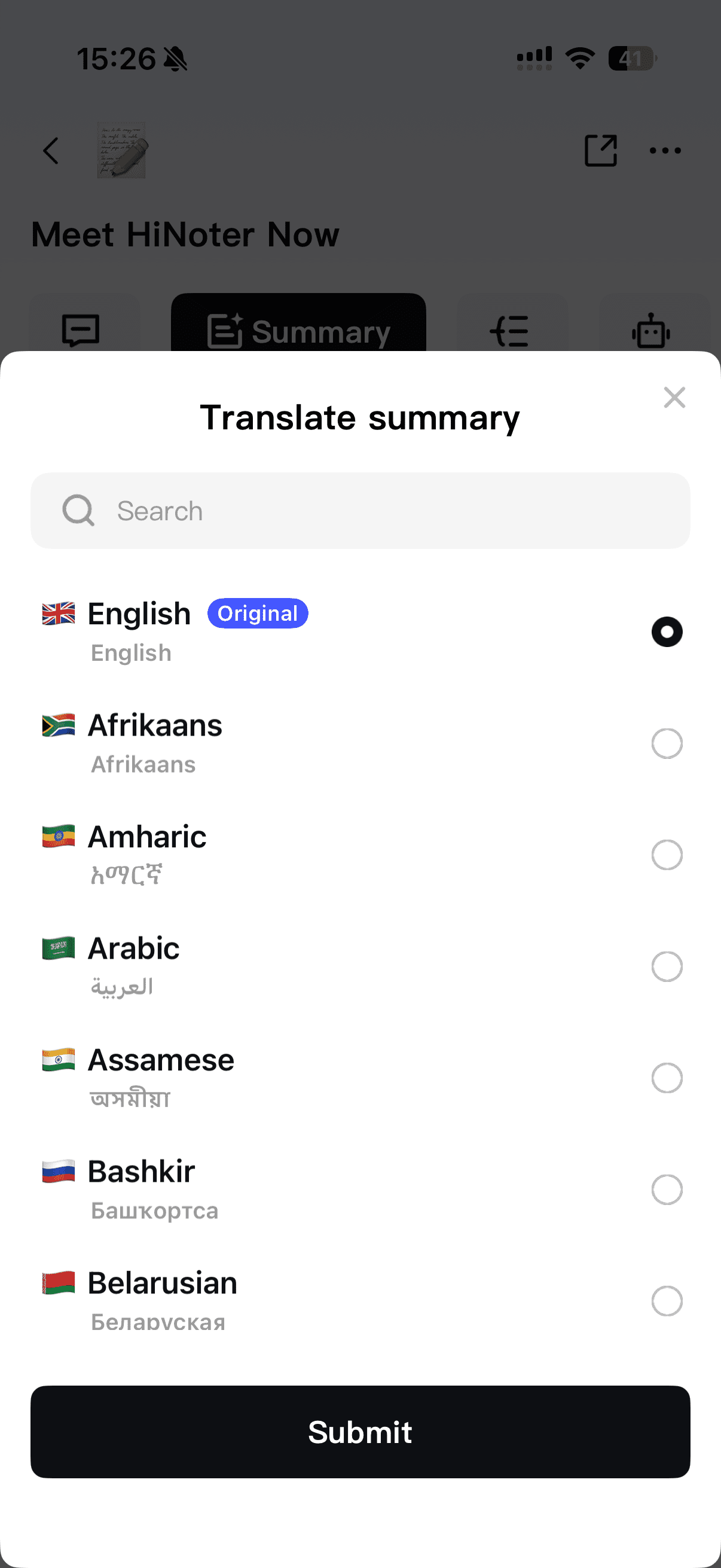
HiNoter makes it easy to translate your notes into the language you need. Follow the steps below:
📍 Step-by-Step Guide
-
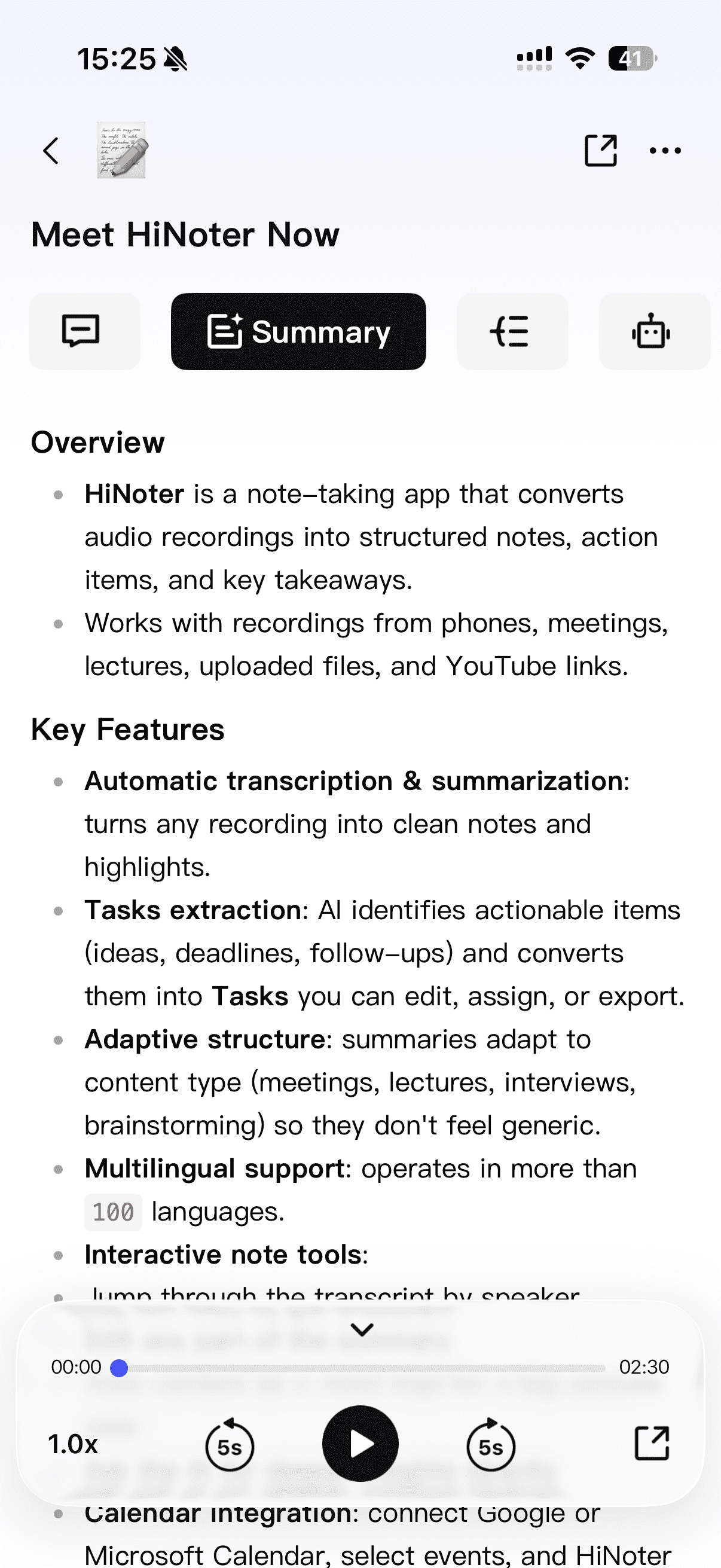
Open the result page
After your recording is processed, go to the Result page where you can view your Summary and Mind Map.
-
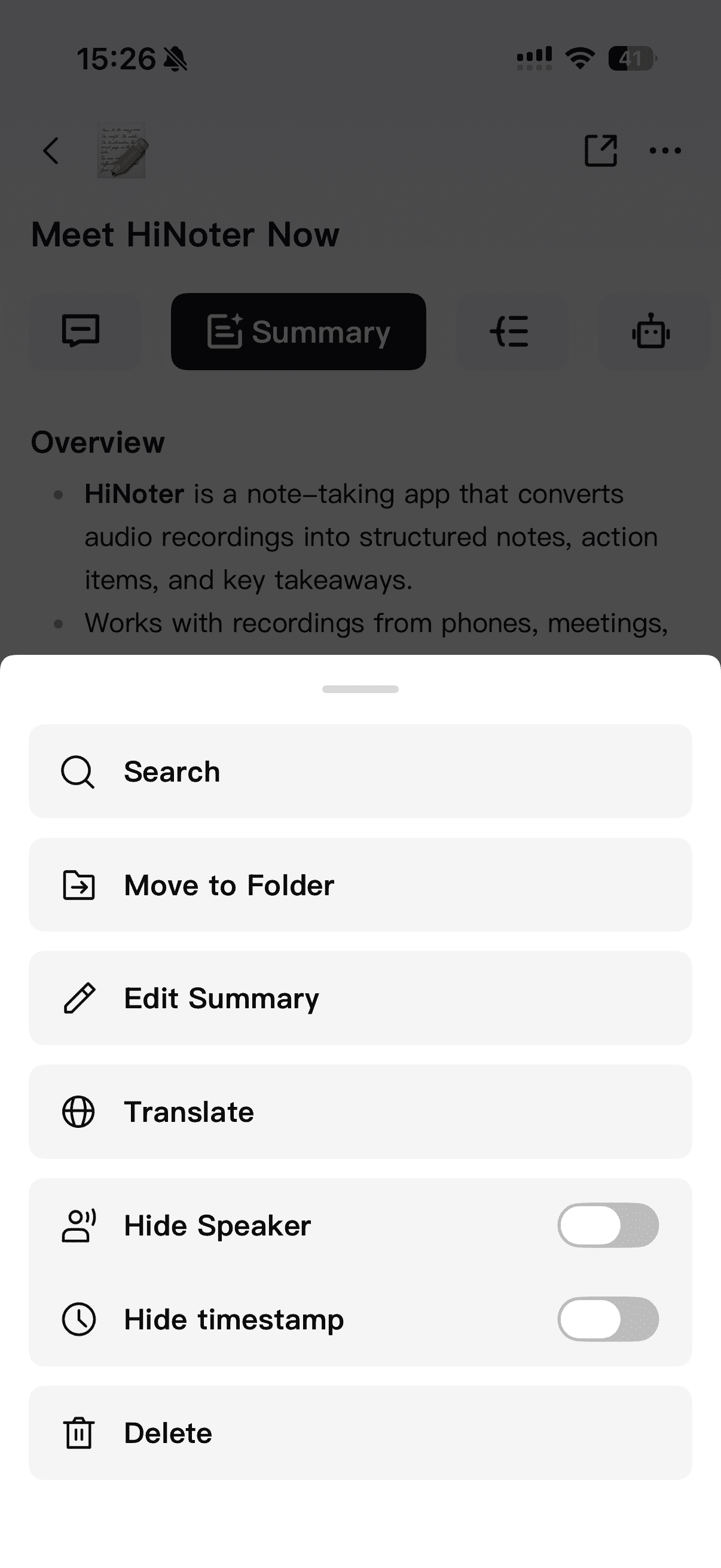
Tap the “...” menu in the top-right corner
This will open additional actions for your result.
-
Select “Translate”
Tap the Translate option from the menu.
-
Choose your target language
Simply select the language you want — HiNoter will translate both the Summary and the Mind Map at the same time.